Why migrations cause downtime
Almost every outage during a migration traces back to one of four causes. The data on the new side is behind the old side. DNS changes are cached for hours, so some users reach the old system while others reach the new one. The new environment differs from the old in a small way nobody noticed, such as a firewall rule or an environment setting. And there is no tested way back when something goes wrong.
None of these needs downtime to fix. They need preparation, and the preparation is most of the project.
The steps of a calm migration
- Inventory and dependencies. List every server, database, scheduled job, certificate and outside service the system touches. The thing you forgot is the thing that breaks on cutover day.
- Build the new environment alongside the old. Create the target in the cloud while the current system keeps serving customers. Nothing changes for users yet.
- Copy data continuously. Use replication so the new database stays a few seconds behind the old one, instead of one big copy that goes stale the moment it finishes.
- Rehearse on a copy. Practise the whole cutover, including the way back, in a safe environment. Time each step and write down what you learned.
- Prepare DNS early. Lower the time-to-live on your records days ahead, so that when you switch, the change spreads in minutes and not hours.
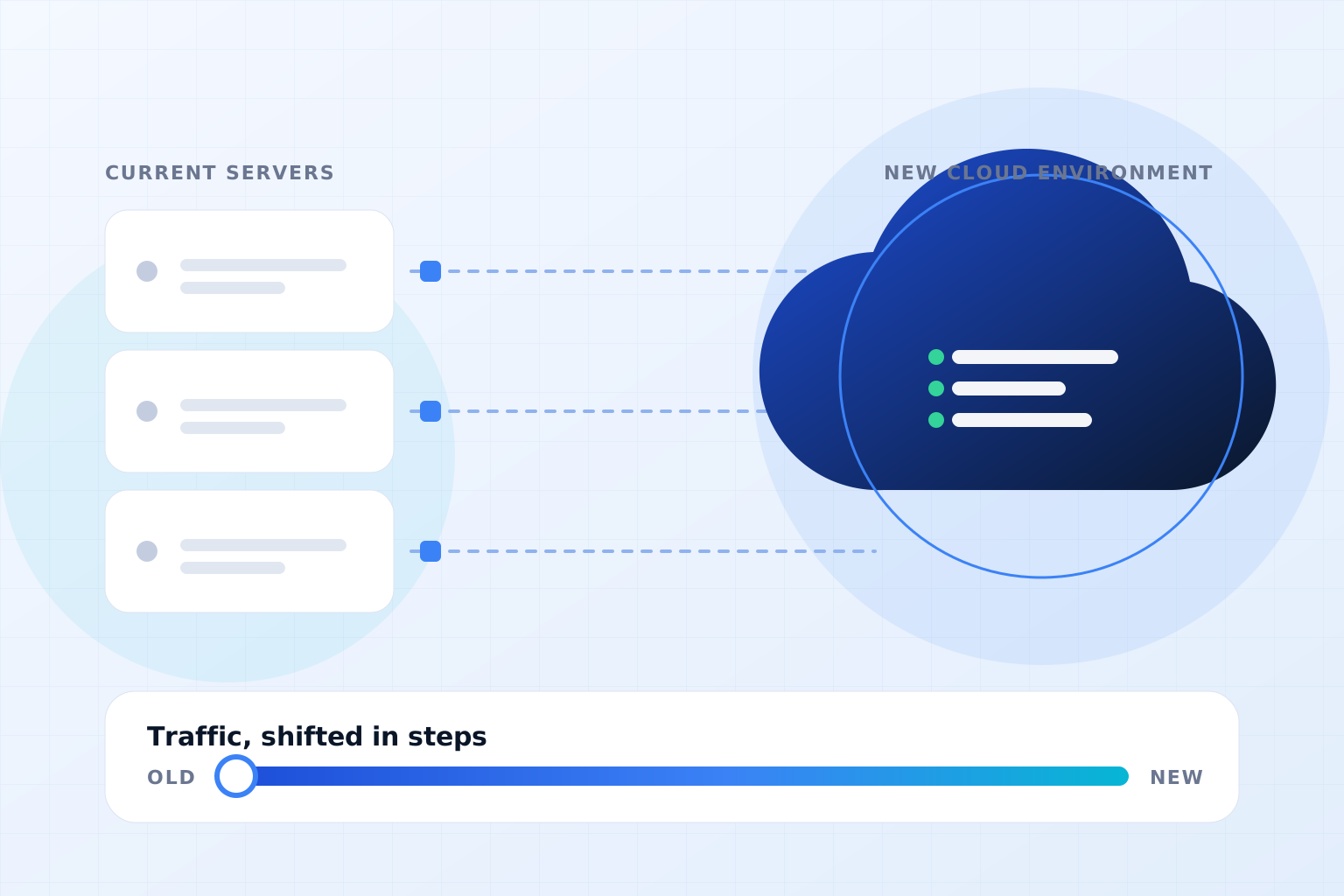
- Shift traffic in stages. Send a small share of visitors to the new system first, watch errors and speed, then increase the share step by step.
- Keep the old system intact. Leave it switched off but ready until you are sure. Retire it only after a quiet period.
"How do we go back, and have we actually tried it?" A rollback plan that exists only on paper is a hope, not a plan. Rehearse it the same way you rehearse the move.
The database is the hard part
Application servers are easy to start twice. Databases are not, because two copies accepting writes can disagree. The usual approach is to replicate from old to new, then at the switch moment pause writes briefly, let the last changes reach the new side, confirm the two match and open the new database for writes.
That pause can be seconds for many systems. For others, such as ones with heavy continuous writes, it can be longer, or you may need to design the application to queue changes during the switch. Knowing which case you are in is part of the early assessment.
When a short, planned pause is the better choice
Zero visible downtime is a good goal, not a rule. For a small internal tool used during office hours, a planned 30-minute window on a quiet evening may be simpler, cheaper and safer than building a full parallel setup. The honest question is what an interruption costs your business, and whether avoiding it is worth the extra preparation.
A cutover-day checklist
- Backups taken and a restore tested within the last day
- Everyone who can approve or fix something is available and knows their role
- A written run-sheet, with times and an owner for every step
- Monitoring open on both environments, with alerts going to a person
- A clear point at which you stop and roll back, agreed in advance
- A short message ready for customers, just in case
The bottom line
A migration without downtime is not magic. It is a parallel environment, data that keeps copying, a rehearsed cutover and a way back that has been tried. If your current plan relies on "it should be fine on the day", slow down and rehearse first. Our cloud readiness checklist and cloud migration checklist guide are good places to start, and what drives the cost explains what to expect on price.